
Optimus Pro: QuickBridge turns QuickBooks customers into canonical records
How QuickBridge pulls QuickBooks Online customer data, maps service and account fields, preserves the source record, and stops legacy imports from creating duplicates.
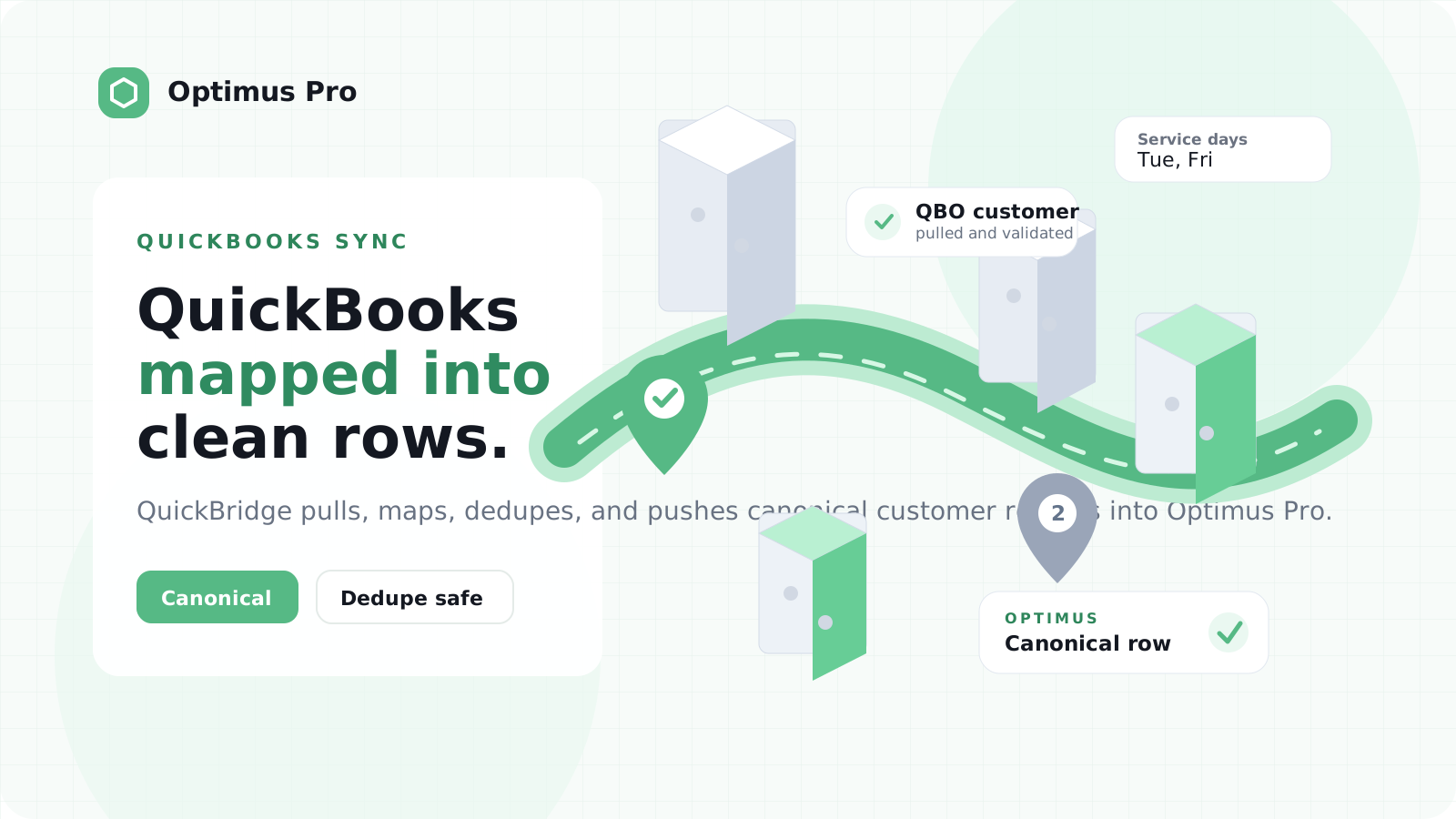
The QuickBridge role
Optimus Pro is the downstream field-operations system. QuickBooks Online is the source of customer and account data. QuickBridge sits between the two.
QuickBridge does four jobs here. It pulls the QuickBooks records. It maps them into the shape Optimus Pro expects. It keeps the original QuickBooks payload for audit. Then it posts one canonical customer/service row into the Optimus Pro ingest path.
QuickBooks Online
  -> QuickBridge pull and mapping
  -> Optimus Pro ingest endpoint
  -> Canonical customer and service rows
The Challenge
BIN IT needed a sync that did more than copy customer rows.
The live customer data was in QuickBooks Online. The destination needed active customers, account references, service locations, service days, and stable customer identifiers. Some of that data was explicit. Some of it was hidden in names, coded fields, or old import conventions.
1. Source fields and destination fields did not match
QuickBooks knows the customer and account. The destination needs explicit fields it can rely on for customer identity and service setup.
So QuickBridge cannot simply copy a QuickBooks row across. It has to turn an accounting record into a destination-ready customer record.
2. Service days needed real mapping logic
Service days were the clearest example. QuickBooks may hold service-day meaning in coded names, custom fields, shipping fields, or conventions that make sense to finance and admin teams.
QuickBridge needs to turn those conventions into explicit service-day values before the record lands downstream.
The hard part is not moving a customer row. The hard part is deciding which source fields become customer identity, service-day, location, and account-reference fields. QuickBridge is where that transformation belongs.
3. Legacy imports created duplicate customers
Before the QuickBridge path, customers had been imported manually from Excel. Later, fresher QuickBooks-backed records arrived.
Those two sources overlapped:
- a manual customer row from the old import
- a newer QuickBooks/QuickBridge-backed row for the same account
- duplicate downstream customer records
The desired end state was clear. QuickBooks-backed rows should become canonical. Old manual rows should be adopted or retired. Future syncs should update the same customer instead of creating another one.
The Solution
QuickBridge provides a QuickBooks Online to Optimus Pro push feed.
QuickBridge pulls customers from QuickBooks Online, maps them into the Optimus Pro payload shape, and posts them to the ingest endpoint.
Each payload carries the mapped fields and the original QuickBooks object. That lets the destination keep the canonical row and the source evidence together.
The QuickBridge mapping
QuickBridge translates QuickBooks customer data into fields the destination can trust:
- display names and company names become customer names
- QuickBooks IDs and account tokens become stable references
- active or inactive status controls whether work should be scheduled
- address fields become area, road, plot, and service location data
- service-day fields become explicit scheduling values
- raw QuickBooks JSON remains available for review or remapping
QuickBooks remains the live source of truth. QuickBridge delivers the normalized record.
The deduplication rule
To prevent duplicates, the QuickBridge-backed ingest contract resolves incoming records in a strict order:
- match an existing customer by QuickBooks ID
- if there is no QuickBooks match, adopt a legacy/manual row by exact customer reference
- if there is still no match, fall back to a known customer ID convention
- if nothing matches, insert a new canonical customer
That adoption step matters. It lets a tenant move from manual Excel imports to QuickBooks-backed sync without carrying two active versions of the same customer.
The account-token lesson
One subtle mapping rule came from account references embedded in customer names. Some records did not start with plain digits. They used leading account tokens such as FF10052701, D23214301, or 1D1029001.
A naive parser would miss or misread those references. The better rule is to normalize the leading account token, extract a valid 8 or 9 digit customer reference, and only then use it for adoption or deduplication.
That is exactly the kind of operational data rule QuickBridge is designed to absorb.
The Outcome
With QuickBridge in the middle, QuickBooks remains the source for customer and account data. The destination receives clean, canonical rows.
The result is a cleaner operating model for BIN IT:
- QuickBooks holds the live account data
- QuickBridge pulls, maps, and posts the records
- QuickBridge-backed rows become the canonical customer records
- manual imports can be merged, adopted, or retired
- future syncs update the same customers instead of duplicating them
For QuickBooks-backed operational apps, this is the difference between importing data and trusting the sync. QuickBridge gives the destination a clean customer feed with one active record per customer.
Ready to use this flow?
Bring the same accounting clarity into your own operations.
QuickBridge helps teams turn operational records into the right accounting documents, with auditability and onboarding support built in.
Related stories
See how other teams are using QuickBridge
Kollectar AR: QuickBridge for receivables at scale
After using QuickBridge for Kollectar, the team came back for Kollectar AR when a larger QuickBooks Online dataset pushed the built-in importer past its limits.
Kollectar: Debt collection management powered by live QuickBooks data
How Kollectar replaced their Edge Function sync with QuickBridge — syncing customers, invoices, payments, and credit memos from QuickBooks Online into Supabase to power their debt collection platform.