Kollectar AR: QuickBridge for receivables at scale
After using QuickBridge for Kollectar, the team came back for Kollectar AR when a larger QuickBooks Online dataset pushed the built-in importer past its limits.
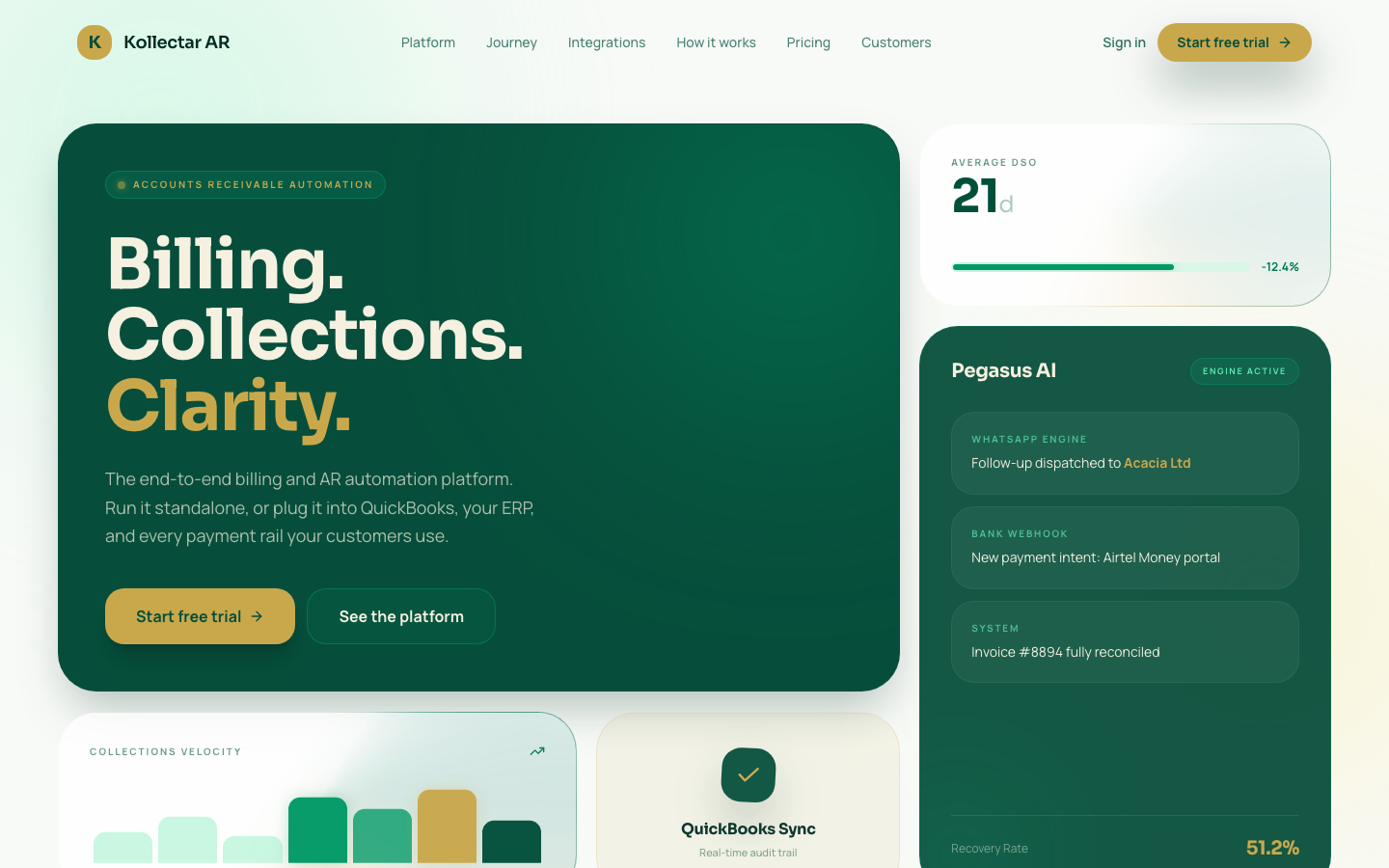
About Kollectar AR
Kollectar AR is an accounts receivable platform that grew out of the original Kollectar product.
Kollectar helped teams manage debt collection work. Kollectar AR narrows the job: help finance teams see who owes money, how old the debt is, what has been paid, and what still needs action.
That job depends on clean QuickBooks Online data. If customers, invoices, payments, or credit memos are missing, the product cannot give users a trustworthy receivables picture.
Kollectar had already used QuickBridge for its first QBO sync. When Kollectar AR needed to handle a larger receivables dataset for BIN IT, the team came back to QuickBridge instead of stretching another fragile importer.
The Challenge
Kollectar AR already had an in-app QuickBooks import path. It worked for smaller loads. It struggled when the dataset became real.
1. The importer stopped being enough
BIN IT’s QuickBooks company had thousands of customers. The built-in importer could show progress for a while, but it was not a dependable path for the full dataset.
For an accounts receivable product, a partial import is not a small bug. Missing customers lead to missing invoices, broken payment context, and weak collection decisions.
2. Receivables data has an order
Customers must land first. Invoices depend on customers. Payments often depend on both the customer and the invoice they clear. Credit memos need the same traceability.
If the sync ignores that order, the app may receive rows without the relationships that make them useful.
3. The app needed its own schema
Kollectar AR was not asking for a CSV export. The data had to land inside its Supabase schema, with the right IDs, balances, source references, and raw QBO payloads preserved for review.
The Solution
QuickBridge gave Kollectar AR a QuickBooks Online -> HTTP ingest path.
QuickBridge handles the integration run:
- fetch records from QuickBooks Online in pages
- send customers before dependent documents
- resolve customer references before invoices and payments are delivered
- post batches to Kollectar AR’s Supabase Edge Function endpoint
- show what fetched, delivered, deferred, or failed
Kollectar AR still owns the final database write. That is the right separation. The app keeps control of its schema and business rules. QuickBridge handles the moving parts of the sync.
The target app should not have to become an integration platform just to receive QuickBooks data. QuickBridge runs the sync. Kollectar AR decides how accepted rows land in its database.
What changed
Kollectar AR now has a clearer path for the full receivables dataset:
- Customers first: dependent records do not arrive before their customer rows exist.
- Invoices at scale: invoice history can move beyond the in-app importer ceiling.
- Payments and credit memos: downstream records can follow once their references are ready.
- Raw QBO data retained: the source payload remains available for debugging and reconciliation.
- Operational visibility: the team can see progress and failures instead of guessing where the import stopped.
The Outcome
The important signal is simple: Kollectar came back.
They had used QuickBridge for the first Kollectar product. When Kollectar AR created a related but harder receivables problem, they trusted the same integration layer again.
That is what QuickBridge is meant to become: not a one-off connector, but the place teams return to when a new product, customer, or dataset makes the old workaround too fragile.
For Kollectar AR, the result is a more reliable path from QuickBooks Online into the receivables platform: customers, invoices, payments, and credit memos moving through an observable sync instead of a brittle importer.
Ready to use this flow?
Bring the same accounting clarity into your own operations.
QuickBridge helps teams turn operational records into the right accounting documents, with auditability and onboarding support built in.
Related stories
See how other teams are using QuickBridge

Optimus Pro: QuickBridge turns QuickBooks customers into canonical records
How QuickBridge pulls QuickBooks Online customer data, maps service and account fields, preserves the source record, and stops legacy imports from creating duplicates.
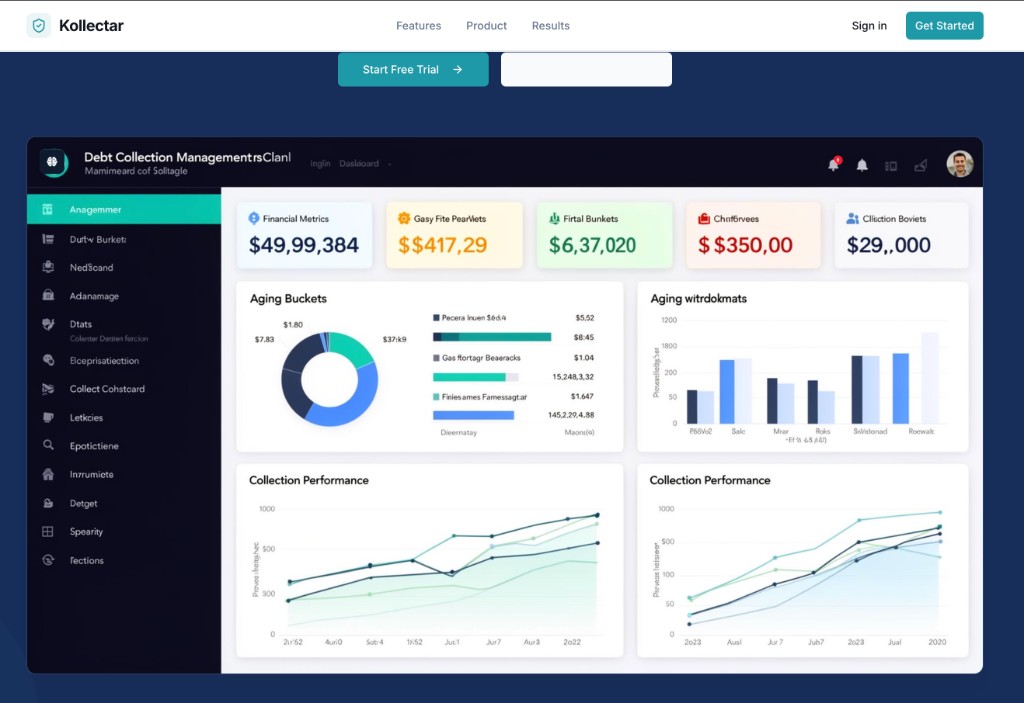
Kollectar: Debt collection management powered by live QuickBooks data
How Kollectar replaced their Edge Function sync with QuickBridge — syncing customers, invoices, payments, and credit memos from QuickBooks Online into Supabase to power their debt collection platform.