Kollectar: Debt collection management powered by live QuickBooks data
How Kollectar replaced their Edge Function sync with QuickBridge — syncing customers, invoices, payments, and credit memos from QuickBooks Online into Supabase to power their debt collection platform.
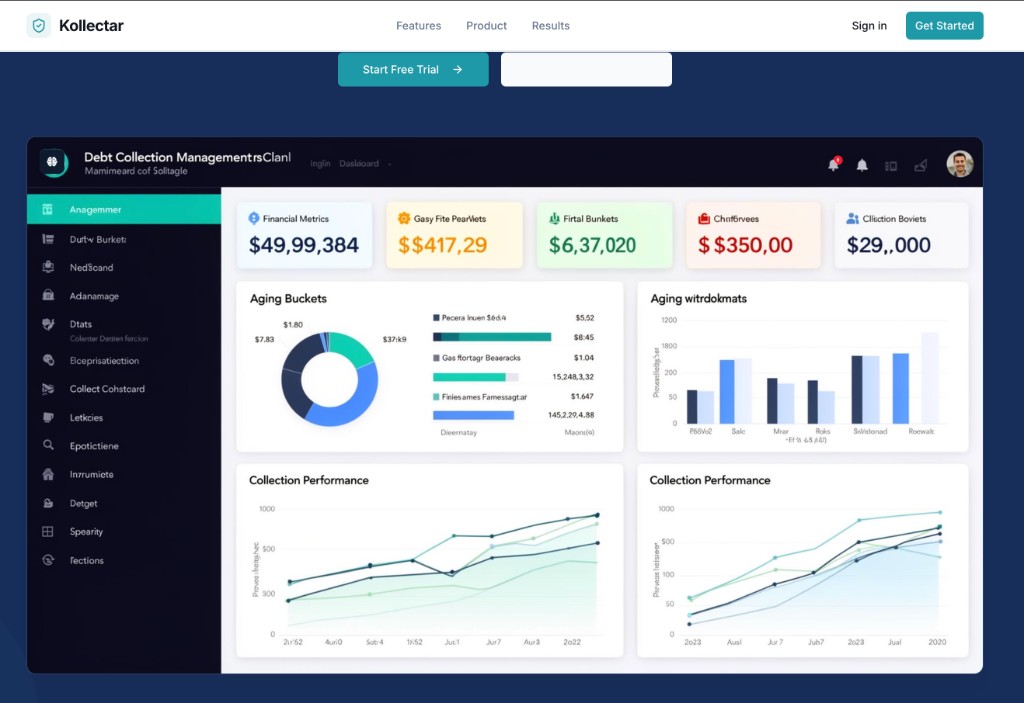
About Kollectar
Kollectar is a debt collection management platform. Their app helps businesses track receivables, monitor outstanding balances, and manage collections — all backed by Supabase as their application database.
Their clients run their books in QuickBooks Online. For the platform to work, Kollectar needs customer records, invoices, payments, and credit memos in Supabase so their app can show who owes what, payment history, and collection status. The sync had to be reliable, resumable, and aligned with their existing schema.
The Challenge
Kollectar had built their own QBO sync using a Supabase Edge Function worker. It worked — until it didn’t.
1. Edge Function limits got in the way
The worker fetched from the QBO API, transformed data, and wrote to Supabase. But Edge Functions have a 60-second timeout. For clients with thousands of records, sync runs would hit the limit mid-stream. Re-invoking to resume was manual and error-prone.
2. No cron, no webhook-to-worker flow
Sync could be triggered from the UI or by a QBO webhook that inserted a job row. But nothing automatically started the worker — cron wasn’t available in their setup. Staff had to manually kick off or resume syncs, which didn’t scale.
3. Cursor and watermark logic lived in the worker
The worker maintained cursors and watermarks for incremental (delta) sync. When it failed or timed out, resuming correctly meant tracking state across invocations — complex and brittle.
QuickBridge runs the sync as a first-class job outside the Edge Function environment. No 60-second limit, built-in resumability, per-resource watermarks, and a clear sync order: customers → invoices → payments → credit memos.
The Solution
Kollectar adopted the QuickBooks Online → Supabase integration through QuickBridge. The integration syncs four resource types into their Supabase project:
- Customers — display names, contact details, addresses
- Invoices — doc numbers, dates, totals, balances, line items
- Payments — applied payments linked to invoices
- Credit memos — written to the same table as invoices with negative amounts and
qbo_creditmemo_idinexternal_refs
Each record is stored with mapped fields and the raw JSON from QuickBooks, so Kollectar can add new columns or extract additional fields later without rebuilding the integration.
Sync order and idempotency
QuickBridge syncs in a fixed order: customers first, then invoices, then payments, then credit memos. That ensures customer rows exist before invoice rows reference them. Upserts use qbo_id (or id) so repeated runs don’t duplicate data.
Delta sync by watermark
Per-resource watermarks (last_sync:customers, last_sync:invoices, etc.) mean only changed records are fetched on subsequent runs. No need to re-pull the entire history every time.
The Outcome
Kollectar replaced their Edge Function-based sync with QuickBridge:
- No more timeouts — sync runs to completion regardless of data volume
- Resumable — if something fails, QuickBridge can resume from the last watermark
- Predictable — scheduled or manual runs, no manual worker invocation
- Schema-aligned — rows land in Kollectar’s existing tables with the Kollectar-style shape (
qbo_raw,external_refs, etc.)
For a debt collection platform serving multiple clients, reliable QBO → Supabase sync is foundational. QuickBridge delivers that with minimal operational overhead.
Ready to use this flow?
Bring the same accounting clarity into your own operations.
QuickBridge helps teams turn operational records into the right accounting documents, with auditability and onboarding support built in.
Related stories
See how other teams are using QuickBridge

Optimus Pro: QuickBridge turns QuickBooks customers into canonical records
How QuickBridge pulls QuickBooks Online customer data, maps service and account fields, preserves the source record, and stops legacy imports from creating duplicates.

Kollectar AR: QuickBridge for receivables at scale
After using QuickBridge for Kollectar, the team came back for Kollectar AR when a larger QuickBooks Online dataset pushed the built-in importer past its limits.